> ## Documentation Index
> Fetch the complete documentation index at: https://developers.gotolstoy.com/llms.txt
> Use this file to discover all available pages before exploring further.
# Subscriptions
> Learn how to subscribe to events fired by Tolstoy widget.
## Before you dive in
Check if `window.tolstoyWidget` is already initialized or wait for the `tolstoyWidgetReady` event before doing anything. This will make sure Tolstoy's widget is set for action:
```javascript theme={null}
if (window.tolstoyWidget) {
// Your next steps go here
} else {
window.addEventListener("tolstoyWidgetReady", () => {
// Your next steps go here
});
}
```
## Product card click
The "product card" is a component shown on a Swipeable Tolstoy's mobile layout
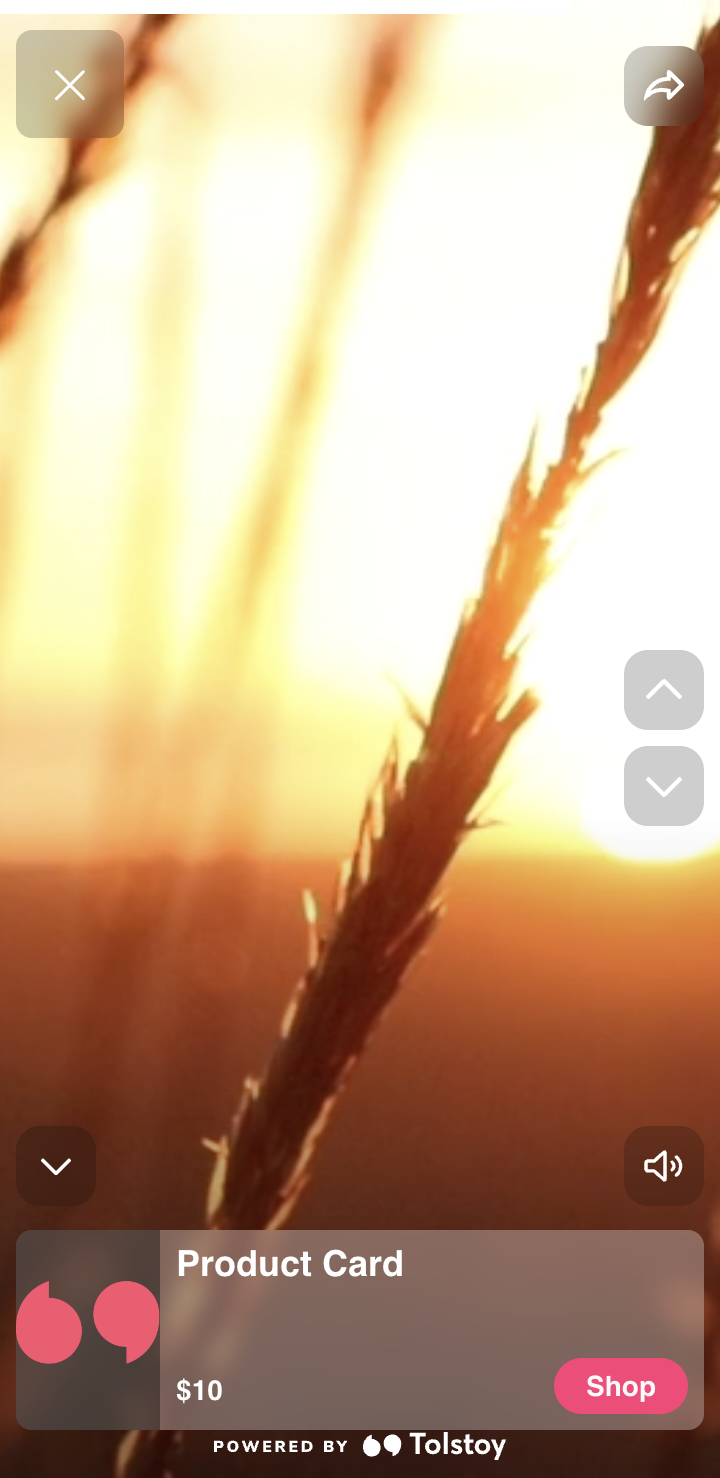
It's possible to subscribe to the components' `onClick` event like so:
```javascript theme={null}
const subscribeToTolstoyProductCardClick = () => {
const myCallback = (payload) => {
// Your logic here
};
const options = {};
window.tolstoyWidget.subscribe(
"tolstoy_product_card_click",
myCallback,
options
);
};
if (window.tolstoyWidget) {
subscribeToTolstoyProductCardClick();
} else {
window.addEventListener("tolstoyWidgetReady", () => {
subscribeToTolstoyProductCardClick();
// Additional logic...
});
}
```
📌 *When done correctly, `Subscribe to event tolstoy_product_card_click` will appear in your logs.*
### Callback
Once the event is fired, `myCallback` will be triggered with the following payload:
```javascript theme={null}
{
eventName: "tolstoy_product_card_click",
productId, // Product ID of the specific product that has been clicked
taggedProductIds, // A list of Product IDs that are tagged on the video, including productId
variantId, // Will be passed if a variant was specifically tagged
}
```
### Options
By default, subscribing to the `tolstoy_product_card_click` event prevents the product modal from opening:
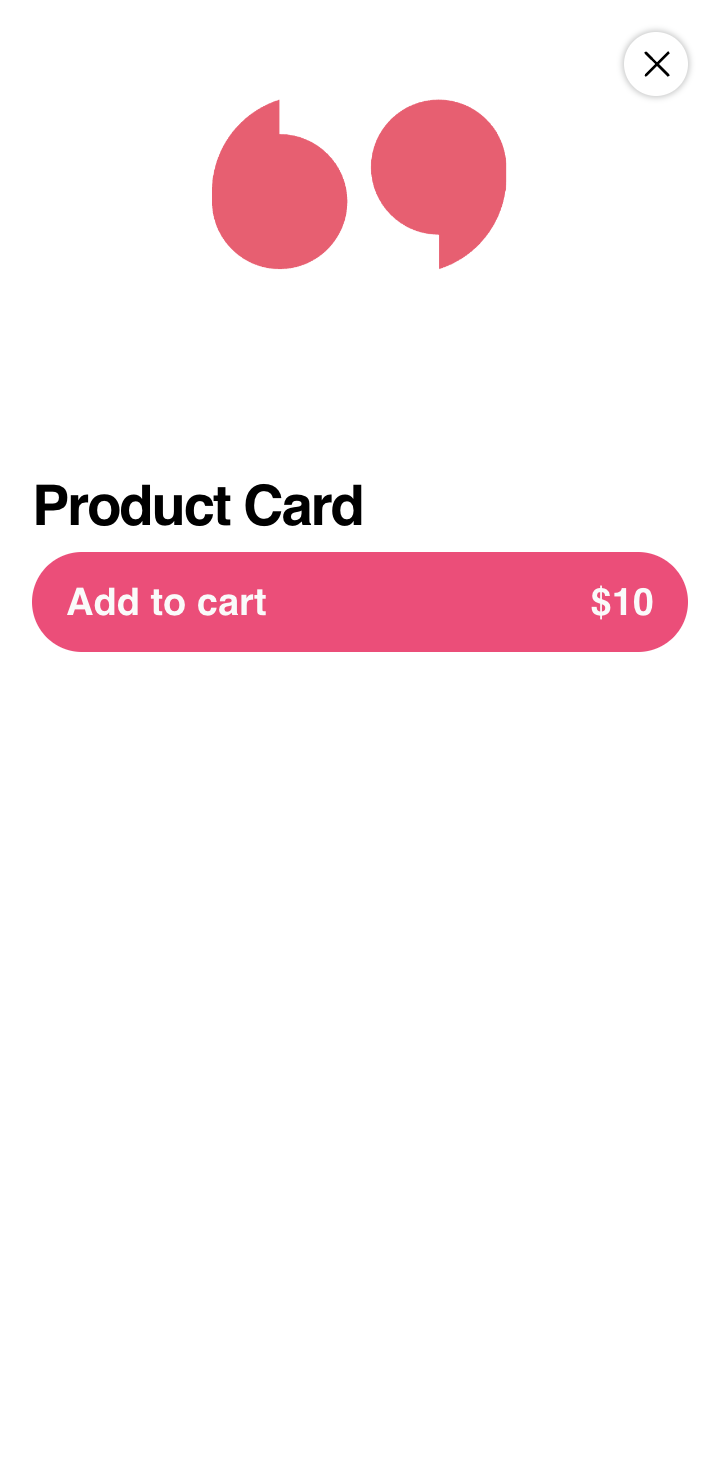
If you'd still like the product modal to open, you can pass the following option to `window.tolstoyWidget.subscribe`:
```javascript theme={null}
const options = {
disableProductModal: false, // true by default
};
```
## Add to cart
The "Add to cart" button is shown in the product modal:
It's possible to subscribe to button's `onClick` event like so:
```javascript theme={null}
const subscribeToTolstoyAddToCartClick = () => {
const myCallback = (payload) => {
// Your logic here
};
const options = {};
window.tolstoyWidget.subscribe("tolstoy_add_to_cart", myCallback, options);
};
if (window.tolstoyWidget) {
subscribeToTolstoyAddToCartClick();
} else {
window.addEventListener("tolstoyWidgetReady", () => {
subscribeToTolstoyAddToCartClick();
// Additional logic...
});
}
```
📌 *When done correctly, `Subscribe to event tolstoy_add_to_cart` will appear in your logs.*
### Callback
Once the event is fired, `myCallback` will be triggered with the following payload:
```javascript theme={null}
{
eventName: "tolstoy_add_to_cart",
productId,
variantId,
}
```
#### Report Add to cart Success or Failure
* **Success Scenario** (product added successfully to the cart)
```javascript theme={null}
const myCallback = (payload) => {
const { variantId } = payload;
// Your add to cart logic here
window.tolstoyWidget.postMessage({
...payload, // Make sure to include this line
eventName: "tolstoy_add_to_cart_success",
});
};
```
* **Failure/Error Scenario**
```javascript theme={null}
const myCallback = (payload) => {
const { variantId } = payload;
// Your add to cart logic here
window.tolstoyWidget.postMessage({
...payload, // Make sure to include this line
eventName: "tolstoy_add_to_cart_error",
description: "itemSoldOut", // Optional description
});
};
```
🛈 Note 1: Tolstoy expects some data from `payload` to be sent back within the message, so make sure to spread `payload` in your message.
🛈 Note 2: The `description` field is optional. Use it to specify an error like `itemSoldOut`. If you skip it, you'll get a general "Error adding to cart" message.
## Unsubscribing from an event
If you'd like to stop listening to an event, you can do it like so:
```javascript theme={null}
window.tolstoyWidget.unsubscribe(eventName, myCallback);
```
🛈 Note: `myCallback` should be the original callback passed to `window.tolstoyWidget.subscribe`